See all tags.
Before you start the process of making a is-a.dev domain, make sure you have the following:
This guide will walk you through the process of setting up a GitHub Pages site and pointing your is-a.dev subdomain to it.
This guide will walk you through the process of setting up a Cloudflare Pages website and pointing your is-a.dev subdomain towards it.
This guide will walk you through the process of setting up a Vercel site and pointing your is-a.dev subdomain towards it.
This guide will walk you through the process of setting up a Codeberg Pages website and pointing your is-a.dev subdomain to it.
This guide will walk you through the process of setting up a Netlify deployment and pointing your is-a.dev subdomain towards it.
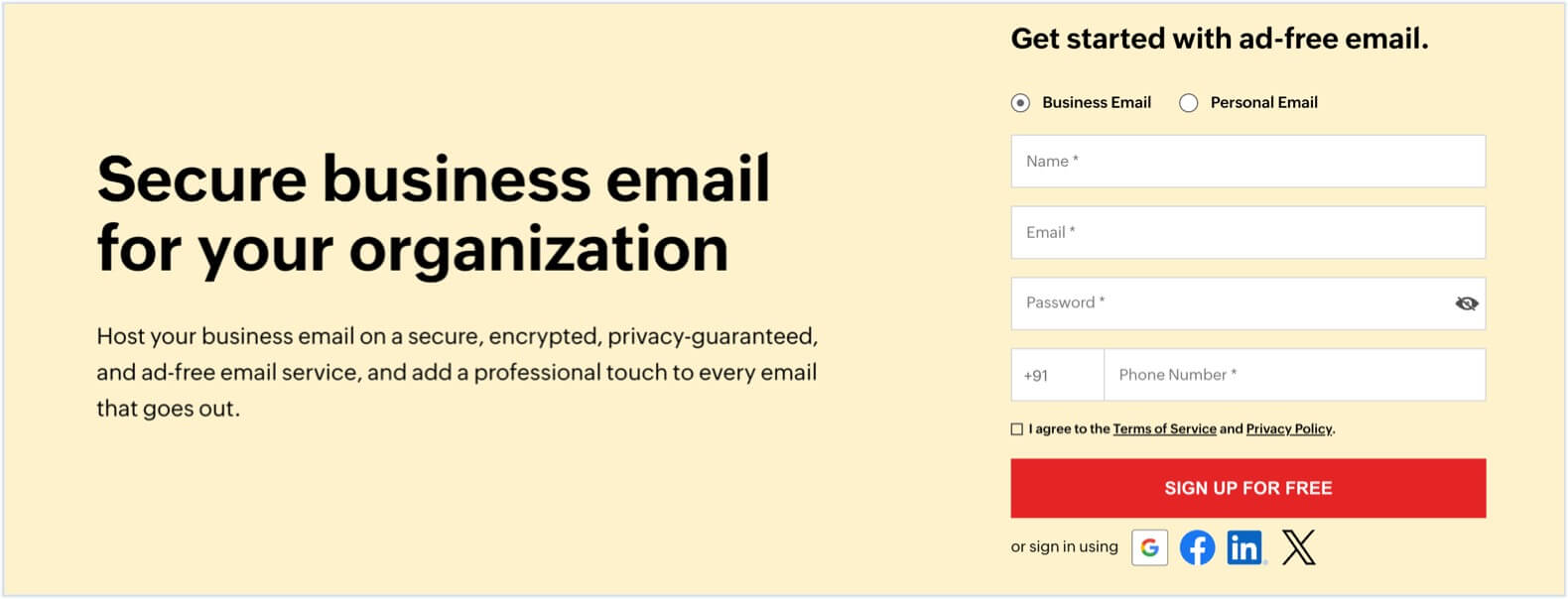
This guide will walk you through the process of setting up custom email in Zoho Mail with your is-a.dev subdomain.
This guide will walk you through the process of setting up ImprovMX with your is-a.dev subdomain.
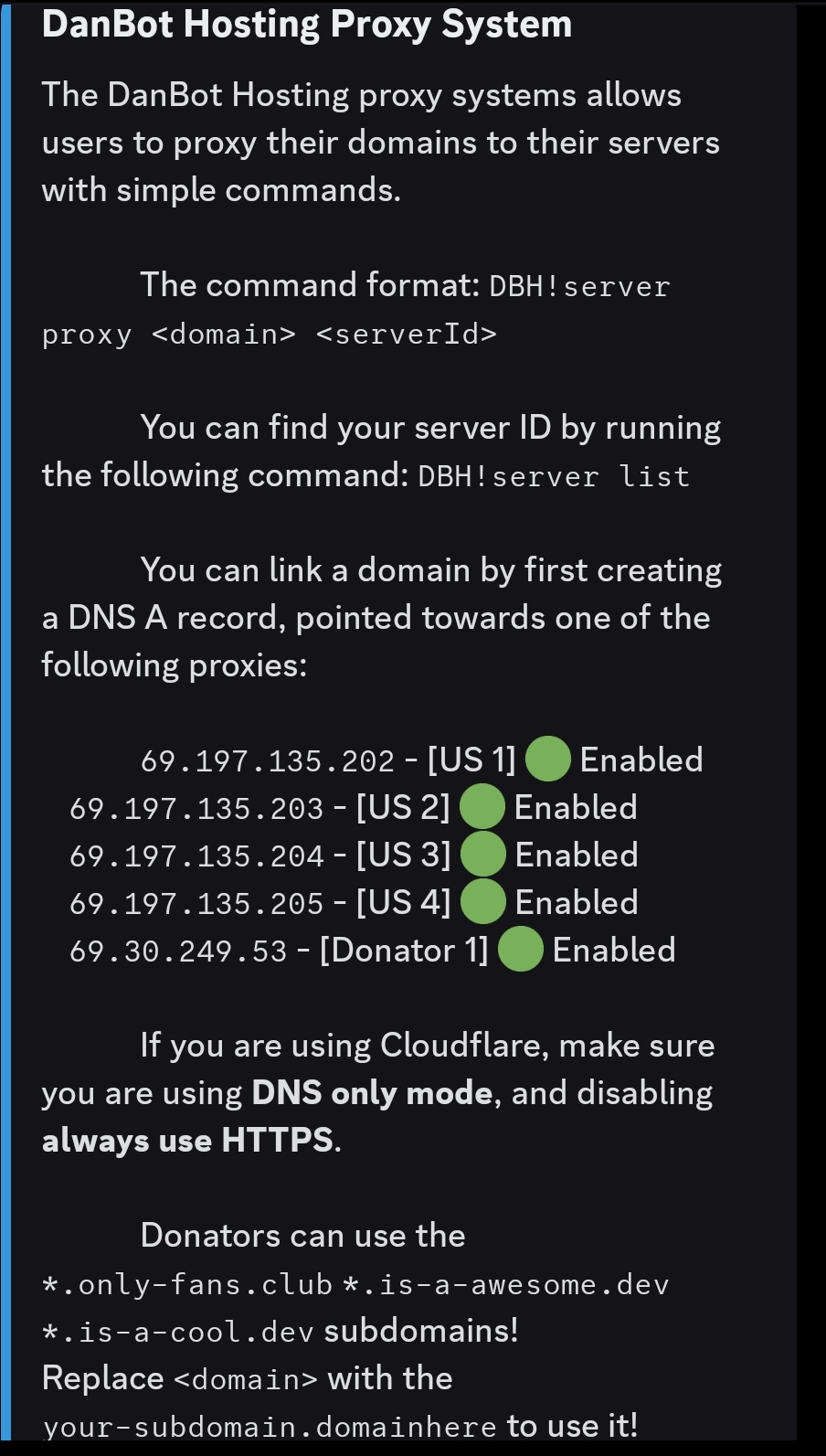
This guide will walk you through the process of setting up a DanBot Hosting website and pointing your is-a.dev subdomain to it.
This guide will walk you through the process of setting up a Firebase Hosting site and pointing your is-a.dev subdomain towards it.
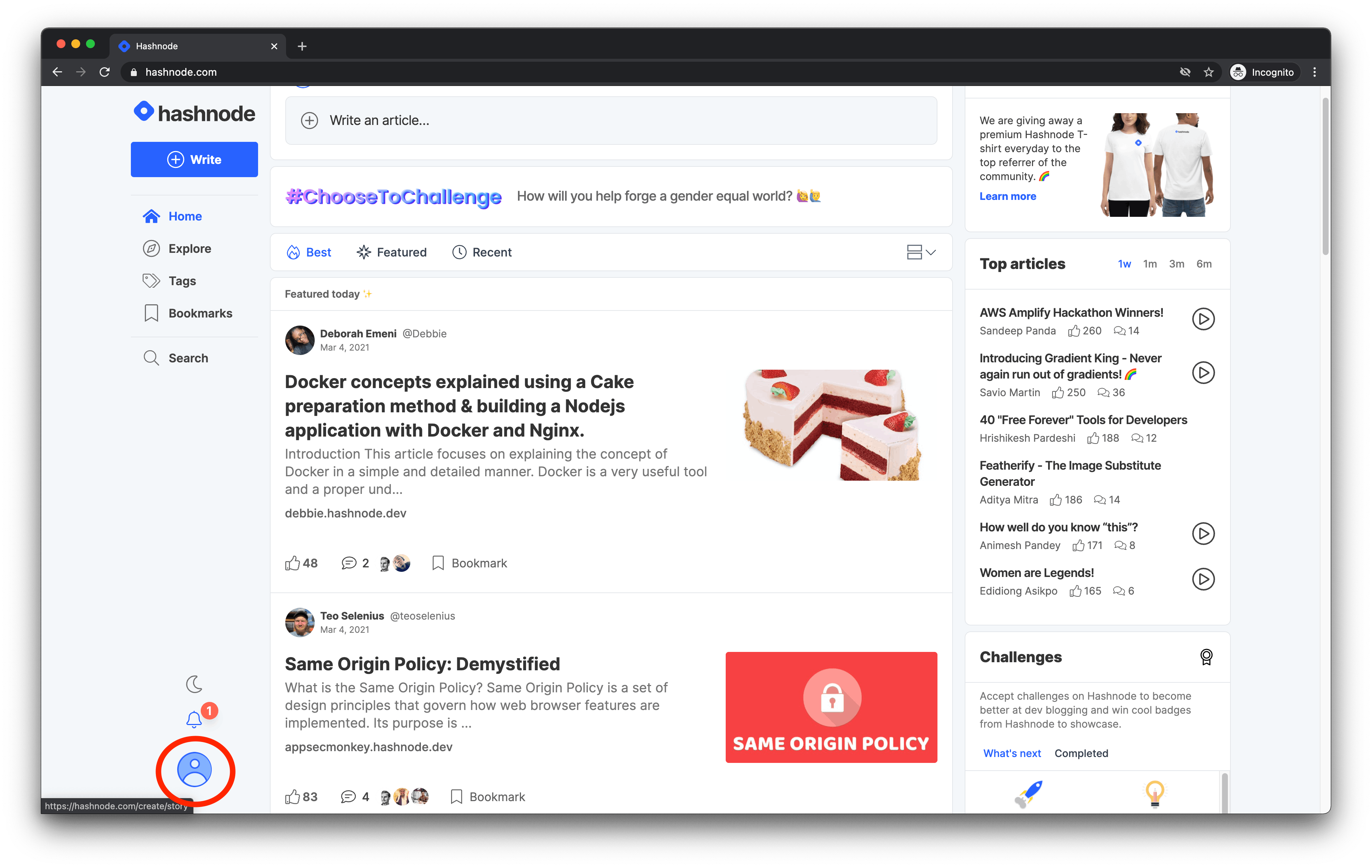
When you create your Hashnode blog, Hashnode provides a free hashnode.dev subdomain for you. However, you can alternatively set up your own is-a.dev subdomain. In this guide, you will learn how to accomplish this.
hashnode.dev
is-a.dev
Navigate to the dashboard
This guide will walk you through the process of setting up a Render deployment and pointing your is-a.dev subdomain towards it.
Follow the instructions in the Replit Workspace Guide on how to create a project.
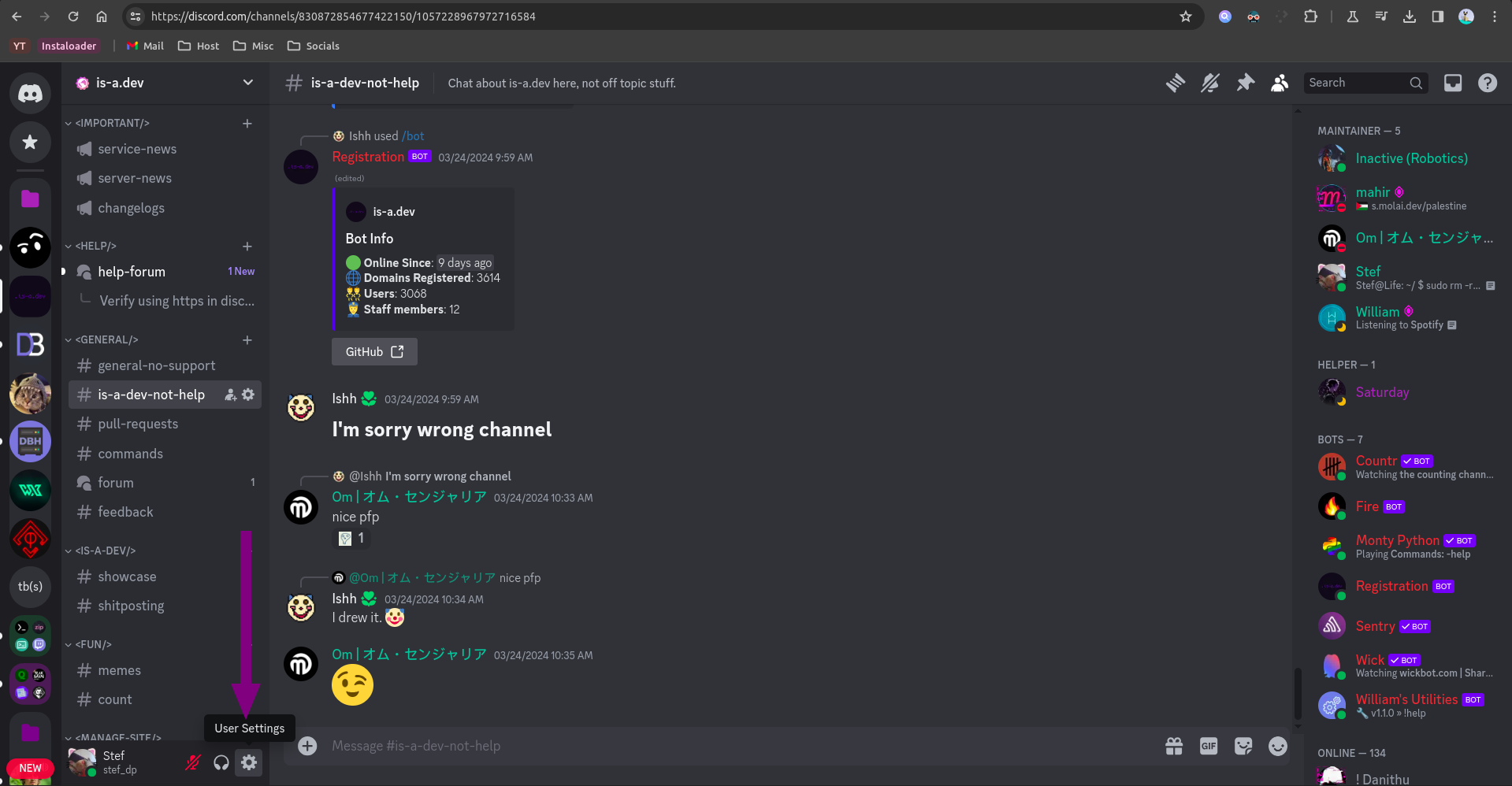
Open your Discord app and press Settings.
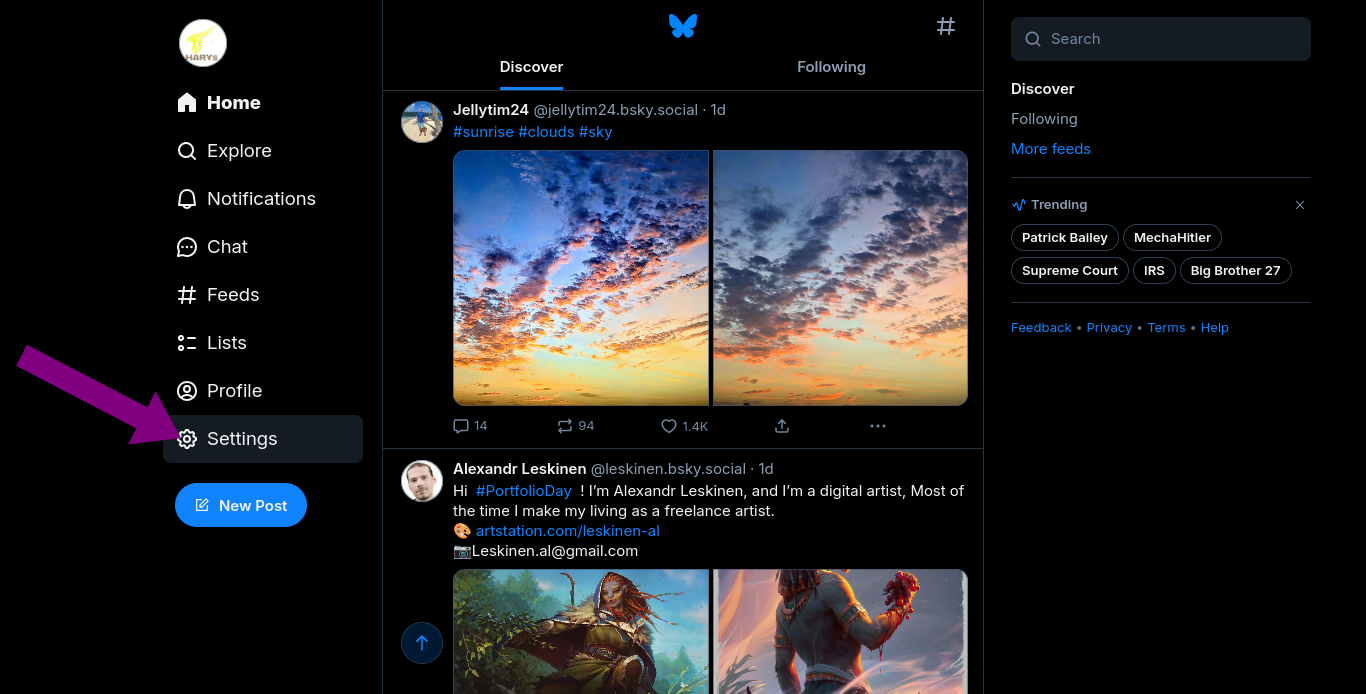
Open your Bluesky app and go to your profile Settings.
Read the domain file structure and set up the records accordingly.